Self-Publishing with KDP: Your Book on Amazon in 30 Days Step-by-Step Training!
Let me take you behind the scenes of this transformative course. It’s the culmination of seven years of dedication, and countless hours of testing, troubleshooting, and refining. And it’s not just another video playlist or a snooze-worthy course; it’s a journey toward achieving your dream of becoming a published author.
So, what makes this course truly stand out from the rest? Allow me to explain. I knew I couldn’t simply deliver video lessons, and wish you the best. I knew it had to be more than that – it had to be a seamless journey, and a fun one. This course infuses fun into education.
What if I told you this course could change your life? How do I know this? I’ve written, designed, and self-published over a dozen books, and every single one has transformed my life in remarkable ways.
Picture holding your very first printed book, knowing it has the potential to make someone smile, cry, or conquer their fears. Imagine the impact it could have on your business or the positive change it might inspire in someone’s life. Remember – your book isn’t just a story – it’s a connection waiting to be made. Are you ready to share your unique perspective with the world and make a profound impact?
🚀 Get priority access to the course.
Get started today on your self-publishing journey. Click here to embark on this transformative adventure and make your dream of becoming a published author a reality.
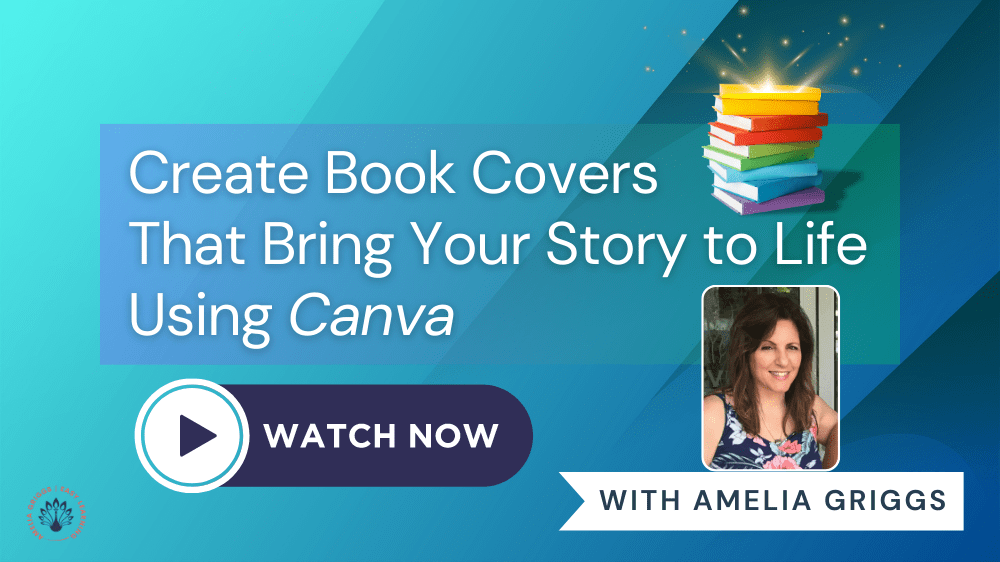
NEXT COURSE: Create Book Covers That Bring Your Story to Life Using Canva
Use coupon code: COVER25 on the order form to save 25%!)
Are You Ready to Create Book Covers That Bring Your Story to Life?
Regardless of what people tell you, the honest truth is that readers do judge a book by its cover. Your book cover can make or break your sales. But it doesn’t have to be like that.
The average cost of hiring a professional graphic designer for a book cover is about $500-800 for just one design project. Highly experienced designers may charge up to $1500 or even thousands of dollars depending on the complexity of the project and the specific requirements of the book. Some online designers may charge a nominal fee between $100 to $500, but this is still a pretty penny for just one design. Plus, there’s no guarantee that the book cover you purchase (or have already purchased) will help your book sell.
Believe me, I know firsthand because it happened to me. I tried an “expensive” experiment a couple years ago thinking hiring someone to create my book covers would make a difference, and guess what happened with that particular book series…crickets!
To remedy that, I’m going to do what I did with all my other book covers – use my favorite design tool to make them better. When I first started self-publishing in 2016, I didn’t have a budget to hire a professional book cover designer, so I used Canva to lay out my book covers. Back then, even though Canva had only been around for three years, it quickly became a powerhouse tool, offering an array of elements and imagery that was a non-designer’s dream. But a lot has changed since then! Canva has evolved into a much more powerful design tool with endless possibilities including thousands of book cover templates, giving you even more options for book cover designs. The age of AI is here and so are endless templates and design ideas!
So after years of writing and self-publishing over a dozen books in different genres including fiction, nonfiction, and children’s books, I’m sharing my trade secrets on the easiest, most inexpensive way to create new book covers, or give old book covers are facelift. I’m thrilled to bring you my exciting new training course, “Create Book Covers That Bring Your Story to Life Using Canva” which is available now on a new and exciting course platform!
This is not your typical course — it’s a fun and engaging learning experience. When you finish watching a video and mark action items as completed, you may see a random celebration animation, or hear a welcoming chime telling you how many points you earned. Throughout the training, you can use the Comments feature to share thoughts, and feedback and ask questions. PLUS, there’s bonus material such as quick reference guides to help you along the way.
- Goals and Action Items to Keep You Motivated
- Quick Reference Guides
- Comments Feature to Share Your Feedback and Questions
- Earned Points and Animated Celebrations Throughout
Still not sure? Click here to Learn More and View Testimonials
Tag: book covers, storytelling, design, creativity
NEXT COURSE: SELF-PUBLISHING SECRETS REVEALED! Training PLUS Bonus eBook
COST: ONLY $27! Click HERE to Purchase
DESCRIPTION: Uncover the Secrets to Self-Publishing Success! 🔎 Discover how to maximize your earnings, explore the world of print-on-demand, and master the art of choosing the perfect genre. 💡 Unlock the secrets to making money while you sleep! 🔑💲 BONUS eBook Included! 📚

Author Journey Roadmap Training Bundle Package
Click here to get the Bundle!
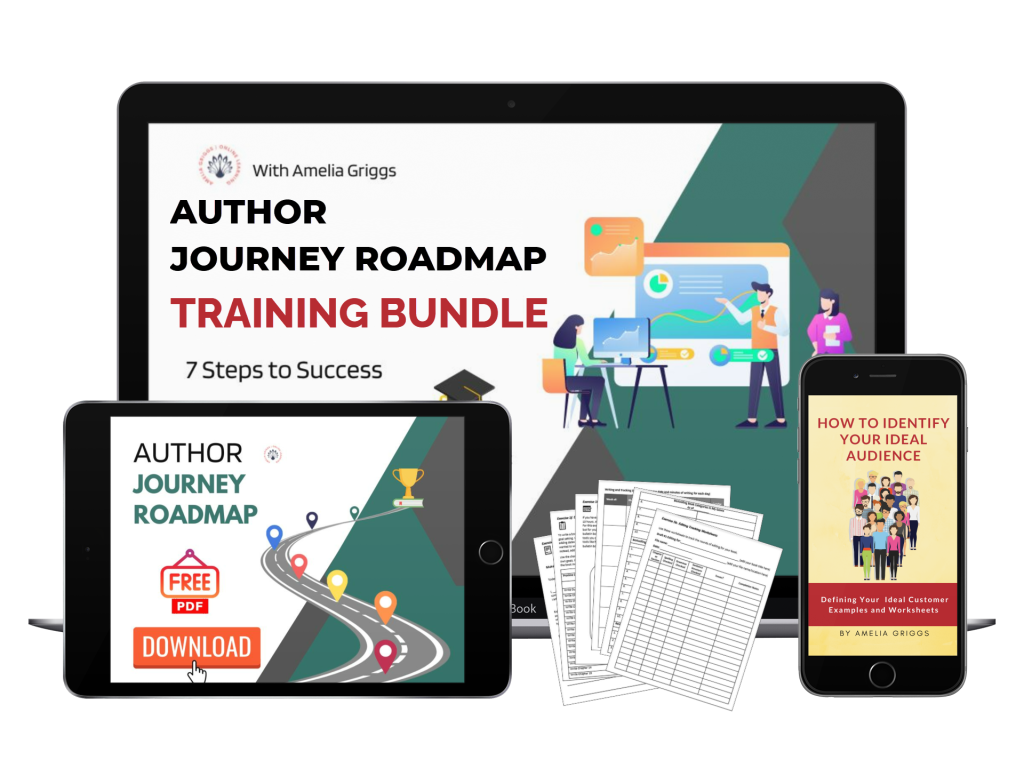
Author Journey Success in 7 Steps – This training bundle guides you along your author journey and explains the practical steps to take to successfully plan, outline, write, publish and market your book. The bundle includes 7 Steps Training, Q&A Session with Author Guests, Marketing Tips and Strategies, and the following downloadable resources:
• Author Journey Roadmap Infographic
• 50-page Author Journey Workbook!
• Author Tips and Advice
• Extra FREE Gift! Defining Your Ideal Audience
Canva Made Simple – Step-by-Step Training NOW 50% OFF!
Step-by-Step Canva Training

Need a step-by-step course that you can complete at your own pace? This training course provides step-by-step training videos on how to use Canva to create stunning graphics, animations, and videos for business, education, social media, and lots more!
 Amelia's Writing Corner